 Available in GB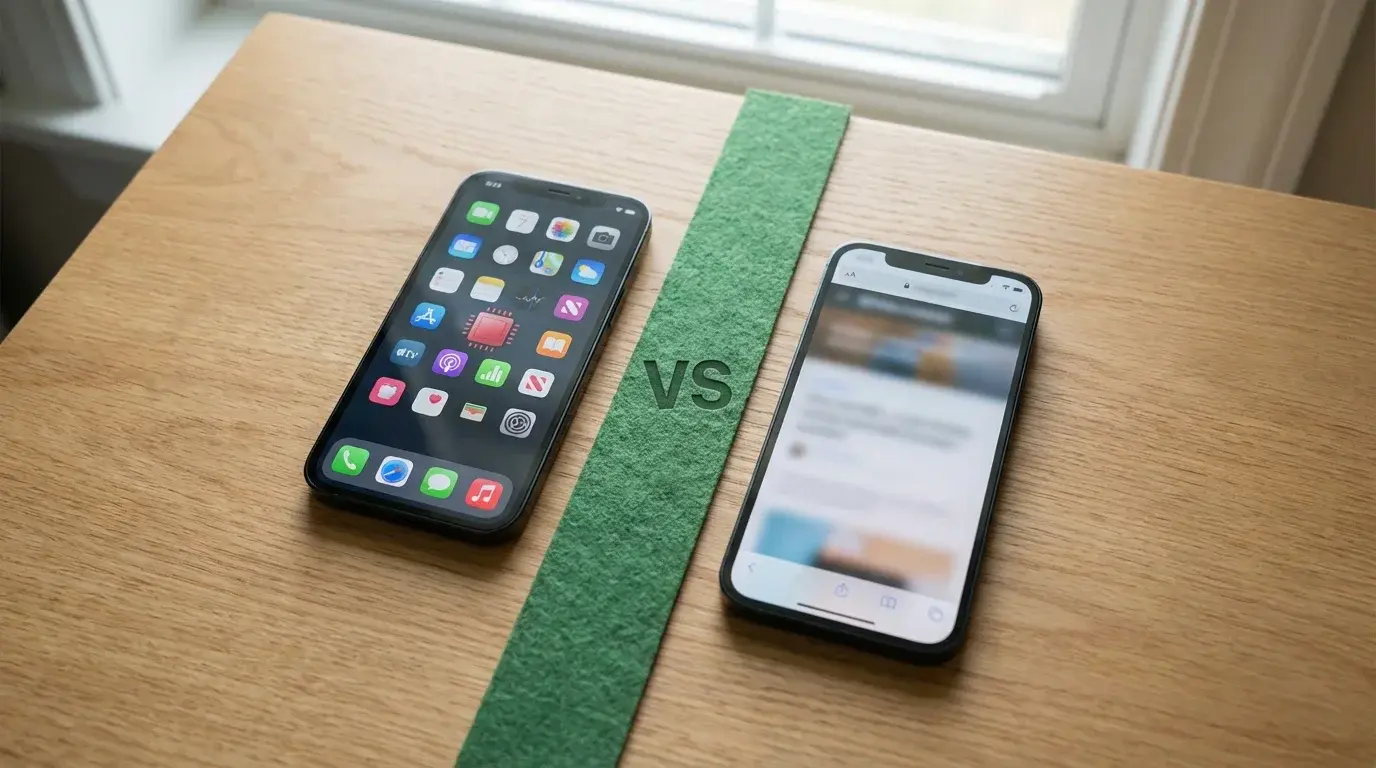
Every other UK casino player asks this question, and the honest answer is that no single answer works for everyone. Whether a native app or a mobile browser delivers the better experience depends on how you play, how often you play, and what you prioritise — speed, convenience, game variety, or storage space on your device.
The distinction itself has narrowed significantly. In the early days of mobile gambling, native apps were clearly superior: faster, more stable, better-looking. Browser-based play was a compromise. In 2026, HTML5 technology has closed much of that gap. A well-built mobile casino site running in Safari or Chrome on a recent iPhone is nearly indistinguishable from a native app in terms of game quality and responsiveness. Nearly, but not entirely — and the remaining differences are what this comparison is about.
This guide tests both approaches across five dimensions: performance, features, game availability, resource consumption, and specific use cases where one clearly beats the other. The goal is not to declare a winner but to give you enough information to decide which approach — or which combination — suits your situation best.
The short version: if you play regularly at one or two casinos, the app is worth installing. If you try new operators frequently or play casually, the browser is more practical. If you want the best of both, the answer is simpler than you think.
Find apps with no wagering requirements in no wagering casino apps UK.
Performance: Load Times, Stability and Graphics
A native app wins on speed by a margin of roughly half a second to one and a half seconds per action — and in live casino, where timing matters, that margin is noticeable. The difference comes from how each approach handles assets: a native app stores core UI elements, graphics, and sometimes game data locally on your device, while a browser loads everything fresh from the server each time. The result is that apps feel snappier at launch, between screens, and when switching between games.
Load Time Benchmarks
Testing on an iPhone 13 and an iPhone 15 Pro across three major UK casino apps, the pattern is consistent. App launch to lobby screen takes approximately one to two seconds on a native app versus two to four seconds on the same operator’s mobile site in Safari. Launching an individual slot game adds another one to two seconds in-app versus two to three seconds in the browser. The difference is not dramatic for a single action, but it compounds across a session — if you switch between games, check the promotions page, and navigate to the cashier, the cumulative delay on the browser version becomes perceptible.
The gap is smallest on the newest iPhones with the fastest processors and the latest version of Safari, which has improved its caching and rendering performance significantly. On an iPhone 12 or older, the performance difference is more pronounced, and the browser experience can feel noticeably sluggish on complex game pages.
Game Smoothness and Live Streaming
For standard RNG slots and table games, the smoothness difference between app and browser is negligible on current hardware. Both render HTML5 games at full frame rate, and the visual quality is identical because the game content comes from the same provider regardless of the delivery method. You will not notice a graphical difference between Starburst in an app and Starburst in Safari.
Live casino is where the performance gap widens. A native app can maintain a more stable connection to the live streaming server, handle brief network interruptions more gracefully (buffering and reconnecting without dropping the session), and manage the video feed alongside the betting interface more efficiently. In Safari, a live dealer stream occasionally stutters during periods of network congestion, and a dropped connection may require reloading the entire page rather than just reconnecting the stream. For casual live play, this is a minor annoyance. For serious live blackjack or roulette sessions where split-second bet placement matters, the app provides a measurably better experience.
Features: Notifications, Biometrics and Personalisation
Features are where native apps hold their clearest structural advantage. Push notifications, biometric login, and personalised interfaces are all tied to the native app framework in ways that a browser cannot fully replicate. Whether these features matter to you depends on how you use casino apps — for some players, they are essential; for others, they are irrelevant or even unwanted.
Personalisation deserves a mention upfront because it is the feature that improves the most with sustained app use. A native casino app learns your habits — which games you play, when you tend to log in, which deposit amounts you favour — and adjusts the lobby accordingly. After a week of regular use, the app shows your preferred slots at the top of the page, surfaces bonuses relevant to your playing style, and remembers your last session’s state. Safari does some of this through cookies, but the depth is limited, and clearing your browser data resets everything. The app’s personalisation is persistent and cumulative, which makes the experience noticeably better the longer you use it.
Push Notifications: Useful or Annoying?
A push notification about a new bonus is an app exclusive. Safari cannot send push notifications for casino sites on iPhone in any practical sense — Apple introduced web push notifications for Home Screen web apps, but casino operators have been slow to adopt the feature, and the implementation is inconsistent. This means the native app is the only reliable way to receive real-time alerts about expiring bonuses, new game launches, or promotional tournaments.
Whether this is a benefit or a nuisance depends entirely on the operator’s notification strategy. Some apps send one or two relevant notifications per week — a genuine bonus offer, a tournament you might be interested in, a reminder about an expiring free spins package. Others bombard you with daily prompts to deposit, play, and claim offers you have already declined. The good news is that iOS gives you granular control: you can disable notifications for any app in Settings without uninstalling it. The practical advice is to leave notifications on for a week after installing a new casino app, assess whether the messages are useful, and disable them if they are not.
Biometric Login and Session Management
Face ID and Touch ID login works seamlessly in native apps — tap the icon, authenticate with a glance or a fingerprint, and you are in your account. In Safari, the experience is less fluid. Most mobile casino sites support saving your credentials in the iCloud Keychain, which Safari can autofill, but the process still involves navigating to the site, waiting for it to load, and then autofilling the login form. The difference is roughly five to ten seconds per session, which sounds trivial until you consider that regular players open their casino app multiple times per week.
Session management is another quiet advantage of native apps. A well-built app remembers your preferences, your last-played games, and your position in a lobby without rebuilding the page each time. Safari, by contrast, starts fresh with every visit unless the site has been added to the Home Screen as a web app — and even then, the session persistence is less reliable than a native app’s. For players who value a quick-in, quick-out experience — check the balance, play a few rounds, close the app — the native version is noticeably more efficient.
Game Availability: Does the App Have Everything?
Some casino apps contain ten to fifteen percent fewer games than the same operator’s desktop or mobile browser version. This is not a bug — it is a consequence of how native apps are built and maintained. Each game in a native app must be integrated, tested, and updated within the app’s codebase, and some operators prioritise their most popular titles rather than mirroring the full desktop catalogue. The browser version, by contrast, loads games directly from the provider’s servers, which means the full library is usually available without the operator needing to update the app.
The practical impact depends on what you play. If your preferred games are mainstream slots, live casino, and standard table games, the native app will almost certainly have them. If you play niche titles — specific scratch card variants, lesser-known providers, or very new releases — the browser is more likely to have them available on launch day. New games typically appear on the mobile site before they are added to the native app, because adding them to the browser requires no App Store review or update cycle.
There is also the Apple factor. Apple’s App Store guidelines impose certain restrictions on gambling app content, and while these are mostly procedural (age gating, geo-restrictions), they occasionally affect specific features or game types. Some operators have reported that certain promotional mechanics or bonus formats required modification to pass Apple’s review. The browser version has no such constraint.
The bottom line: if you want the widest possible game selection with the fastest access to new releases, the browser wins. If you want the smoothest experience playing the most popular games, the app wins. For most UK players, the overlap is large enough that the difference is academic — but it is worth knowing, particularly if you care about having access to a specific provider’s full catalogue.
Storage, Data Usage and Battery
A typical casino app occupies between 100 and 200 MB on your iPhone at installation. Over time, as the app caches game assets, promotional images, and session data, that footprint can grow to 300-500 MB. If you have three or four casino apps installed, you are looking at one to two gigabytes of storage — meaningful on a 64 GB iPhone, trivial on a 256 GB model.
The browser uses no permanent storage beyond Safari’s cache, which iOS manages automatically and clears when space is needed. This is the browser’s most straightforward advantage: zero commitment. You can play at ten different casino sites without installing anything, and your iPhone’s storage is unaffected.
Data usage during play is comparable between the two approaches for RNG games — both stream the same HTML5 content from the same provider servers. Live casino is the outlier: expect 300-500 MB per hour of live streaming regardless of whether you are using an app or a browser. On Wi-Fi, this is not a concern. On mobile data, it adds up quickly, and neither approach offers a meaningful advantage in data efficiency.
Battery consumption follows a similar pattern. Standard slot and table game sessions drain the battery at roughly the same rate in both formats. Live casino sessions, with their continuous video stream and active network connection, are the heaviest drain — roughly 15-20% per hour on a recent iPhone, again with no significant difference between app and browser. The one edge native apps hold is that they can optimise background processes more effectively, which means switching away from the app and returning may consume slightly less battery than doing the same in Safari, where the browser may need to reload the page.
If storage is a concern, it is worth checking the app’s cache periodically. On iPhone, go to Settings, then General, then iPhone Storage, and find the casino app in the list. The system shows the app size plus its accumulated data. Some apps offer a Clear Cache option within their own settings menu; others require you to delete and reinstall the app to reclaim the space, which means logging in again but costs nothing beyond a minute of your time.
When the Browser Wins
The browser is the better choice in four specific scenarios, each tied to a practical constraint rather than a theoretical preference.
First, when you are testing a new casino. Installing an app, creating an account, and committing storage space before you know whether you like the operator is unnecessary friction. The browser lets you explore the game library, check the bonus terms, and assess the interface without any commitment. If the casino passes your checks, install the app. If it does not, close the tab and lose nothing.
Second, when your iPhone is an older model with limited storage or processing power. An iPhone SE or iPhone 11 with 64 GB of storage and several years of accumulated apps and photos does not have room for three casino apps running at 300 MB each. The browser eliminates the storage constraint entirely and avoids the performance overhead of a native app competing for limited system resources.
Third, when you play at multiple casinos frequently. If you regularly rotate between four or five operators to take advantage of different promotions, managing that many native apps is impractical. The browser lets you access any UKGC-licensed mobile casino without cluttering your Home Screen or your storage.
Fourth, when you want immediate access to the newest games. As noted above, new releases appear on mobile sites before they are added to native apps. If playing the latest title on launch day matters to you, the browser gets you there first.
When the App Wins
The app is the stronger choice in four complementary scenarios, all of which centre on regular, committed use of a single operator.
First, when you play at the same casino multiple times per week. The speed advantage of biometric login, cached assets, and persistent session data compounds with frequency. A player who opens the app daily saves minutes per week compared to navigating to a mobile site each time — and the experience feels more seamless throughout.
Second, when you play live casino regularly. The streaming stability, reconnection handling, and interface responsiveness of a native app are measurably better than the browser for live dealer games. If live roulette, blackjack, or game shows are a significant part of your play, the app is the right tool.
Third, when you use Apple Pay for deposits. The integration between Apple Pay and a native casino app is smoother than the browser equivalent — the authentication popup appears faster, the transaction confirms more quickly, and the deposit flow feels like a single gesture rather than a multi-step process. The difference is a few seconds, but it reinforces the sense of efficiency that makes a good app feel polished.
Fourth, when you value a tailored experience. A well-designed app lobby adapts to your playing history, surfacing the games you actually enjoy rather than the titles the operator is promoting this week. Over time, this curation saves you the effort of navigating a generic catalogue and makes each session feel more efficient from the first tap.
The Real Answer Is Both
The ideal strategy is an app for your main casino and the browser for everything else. This is not a compromise — it is the approach that gives you the best of both formats without the downsides of committing to either one exclusively.
Install the native app for the operator where you hold your primary account, where your KYC is verified, where your preferred payment method is saved, and where you play most frequently. Use the browser for trying new casinos, claiming one-off promotions at secondary operators, and accessing any site where you play casually or infrequently. This way, your main casino experience benefits from the app’s speed, stability, and personalisation, while your exploratory play benefits from the browser’s flexibility and zero-commitment access.
There is also a middle ground worth mentioning: the Progressive Web App. Some casino operators support Add to Home Screen functionality in Safari, which creates a shortcut on your iPhone that opens the mobile site in a standalone window without Safari’s address bar and tabs. The result looks and feels closer to a native app than a regular browser tab, with some session persistence and a more immersive interface. It is not a full replacement for a native app — push notifications, offline access, and deep OS integration are still absent — but for an operator that does not have a native app or whose app you prefer not to install, a PWA shortcut is a practical alternative.
The debate between app and browser is ultimately a question of how you allocate your attention. The app earns its place on your Home Screen by being faster and more convenient for the things you do most often. The browser earns its role by handling everything else without asking for storage, updates, or a commitment. Use both, and the question stops being which is better and becomes which is better for this specific task, right now.
Compare the best iPhone casino apps on the realmoneycasinoiphone homepage.