 Available in GB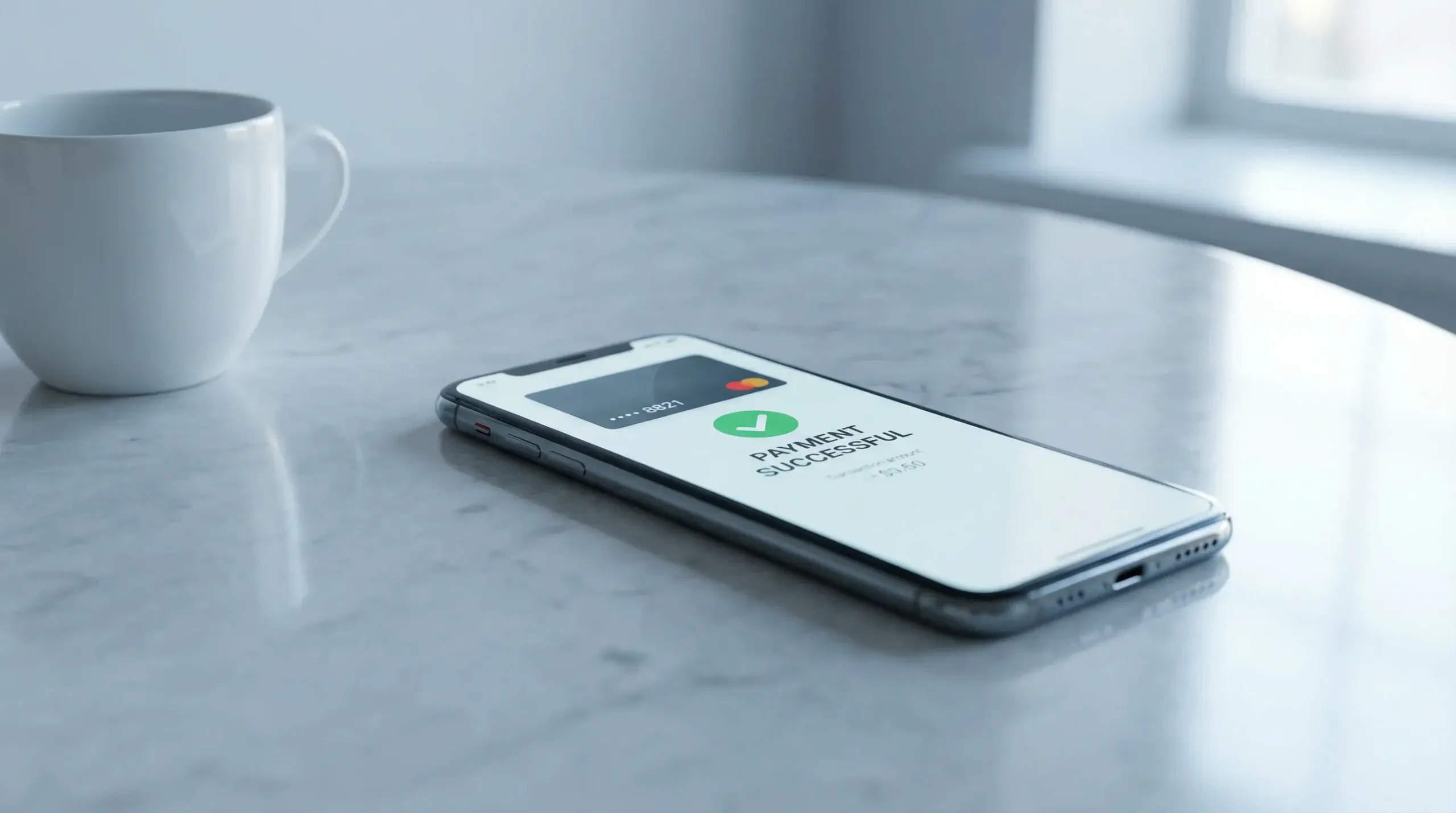
One gesture — deposit. Another — confirmation. Apple Pay turned casino payments into something you barely notice, and that is precisely the point. For iPhone players in the UK, it has become the default method not because it is flashy, but because it removes every layer of friction between deciding to play and actually playing.
Apple Pay works with the debit card already stored in your iPhone’s Wallet. There is no separate account to create, no login credentials to remember, no redirect to a third-party payment page. You authenticate with Face ID or Touch ID, the transaction clears in seconds, and your casino balance updates almost instantly. It is the fastest deposit method available on iOS, and an increasing number of UKGC-licensed operators support it.
But speed on the deposit side does not automatically mean speed on withdrawals. How Apple Pay handles cashouts, what the limits look like, and where the fees hide — that is where the detail matters.
See all banking options in banking.
How Apple Pay Works at Casinos
Apple Pay is a digital wallet, not a payment processor in the traditional sense. When you use it at a casino app, the transaction is routed through your underlying debit card — Visa or Mastercard, typically — but Apple adds a layer of security by tokenising the card details. The casino never sees your actual card number. Instead, it receives a unique device account number and a transaction-specific dynamic security code. This means that even if the casino’s payment system were compromised, your card data would remain protected.
From the casino’s perspective, an Apple Pay deposit is functionally a card payment, which is why it processes instantly and why most operators treat it the same as a standard debit card deposit in terms of limits and eligibility. The difference is entirely on your end: instead of manually typing in a 16-digit card number and expiry date every time, you hold your finger on the sensor or glance at the screen. The reduction in effort is small but meaningful, especially for players who deposit frequently.
One thing Apple Pay does not do is act as a standalone financial account. Unlike PayPal, there is no Apple Pay balance you can top up independently. Every transaction draws directly from your linked bank account via the debit card. This has a practical implication for withdrawals, which we will get to shortly.
Deposit Process
Depositing with Apple Pay at a UK casino app follows a consistent pattern regardless of the operator. Open the cashier or banking section, select Apple Pay as your deposit method, enter the amount, and authenticate with Face ID, Touch ID, or your device passcode. The deposit is credited to your casino account within seconds — usually faster than the time it takes to read this paragraph.
Minimum deposits via Apple Pay typically match the casino’s general minimum, which ranges from £5 to £20 depending on the operator. Maximum single-transaction limits are usually set by both the casino and your bank. Most UK debit cards allow contactless transactions up to £100 without additional verification, but Apple Pay itself supports higher amounts — the ceiling depends on your card issuer and the casino’s own payment limits.
There is no fee from Apple’s side for making a deposit. The casino may or may not charge a processing fee, though the vast majority of UKGC-licensed operators offer fee-free deposits across all major payment methods. If you encounter a deposit fee on Apple Pay, it is worth checking whether it is the casino’s policy or a charge from your bank — some banks treat gambling transactions differently, though this is more common with credit cards, which are banned for UK gambling since April 2020.
A detail worth noting: Apple Pay deposits are treated as card transactions by most casinos, which means they usually fall under the same withdrawal rules as debit card deposits. This matters for cashout routing, which many operators handle on a “return to source” basis — your withdrawal goes back to the same method you used to deposit.
Withdrawal Process
This is where Apple Pay loses some of its advantage. While deposits are instant, withdrawals via Apple Pay are not universally supported — and where they are, they tend to follow the same processing timeline as standard debit card withdrawals.
Some casinos do offer Apple Pay withdrawals, routing the funds back to the debit card linked in your Wallet. Processing typically takes one to three business days after the casino’s internal review period, which can add another 24 to 48 hours. The total time from requesting a withdrawal to seeing the money in your bank account ranges from one to five days in most cases. That is comparable to a regular Visa or Mastercard withdrawal and noticeably slower than PayPal, which often delivers funds within hours.
If the casino does not support Apple Pay for withdrawals — and a significant number still do not — you will be asked to select an alternative method. The most common fallback is a direct bank transfer or a debit card withdrawal to the card linked in your Apple Pay. The end result is the same money arriving in the same bank account, just through a different processing channel. It is mildly inconvenient rather than a genuine problem.
Where the “return to source” policy applies, you will need to withdraw at least the amount of your deposit back to the original payment method before using an alternative for any remaining balance. This is an anti-money-laundering measure required by the UKGC, not a quirk of the casino, and it applies regardless of whether you deposited with Apple Pay, a debit card, or PayPal.
Limits and Fees
Apple itself does not impose transaction limits on Apple Pay — those come from your bank and the casino. Typical deposit limits at UK casino apps range from £5 minimum to £5,000 or £10,000 maximum per transaction, though high-roller accounts may negotiate higher thresholds. Your bank’s daily spending limit on debit card transactions also applies, and some banks set separate, lower limits for gambling-related payments.
On the fee front, Apple charges nothing for Apple Pay transactions. The casino’s position varies, but the industry standard in the UK is fee-free deposits and withdrawals. If a casino charges a fee for Apple Pay deposits specifically, that is unusual enough to warrant suspicion — or at least a look at what else they are charging for.
Withdrawal limits are worth checking before you deposit. Some operators cap daily or weekly withdrawals at levels that might be frustrating if you land a large win. A £2,000 daily withdrawal limit, for example, means a £10,000 jackpot would take five days to fully cash out — assuming no processing delays. These limits are set by the casino, not by Apple Pay, and they apply across all withdrawal methods equally.
Beyond the Tap
Apple Pay is the most frictionless way to put money into a UK casino app on an iPhone. No argument there. The deposit experience is as close to seamless as current technology allows, and the tokenisation layer adds a genuine security benefit that manual card entry cannot match.
The withdrawal side is less impressive but improving. More operators are adding Apple Pay cashout support as demand grows, and processing times are gradually shortening across the industry. For now, if speed of withdrawal is your priority, PayPal still holds the edge. But for the deposit-to-play pipeline — the moment you decide to play and the moment your balance is ready — Apple Pay is unmatched on iOS.
The practical approach for most players is straightforward: use Apple Pay for deposits because it is fast and secure, and have a PayPal or bank transfer option configured as a backup for withdrawals. That combination covers the speed gap on both ends without requiring you to manage multiple payment accounts.
Find Apple Pay casino apps on the realmoneycasinoiphone homepage.