 Available in GB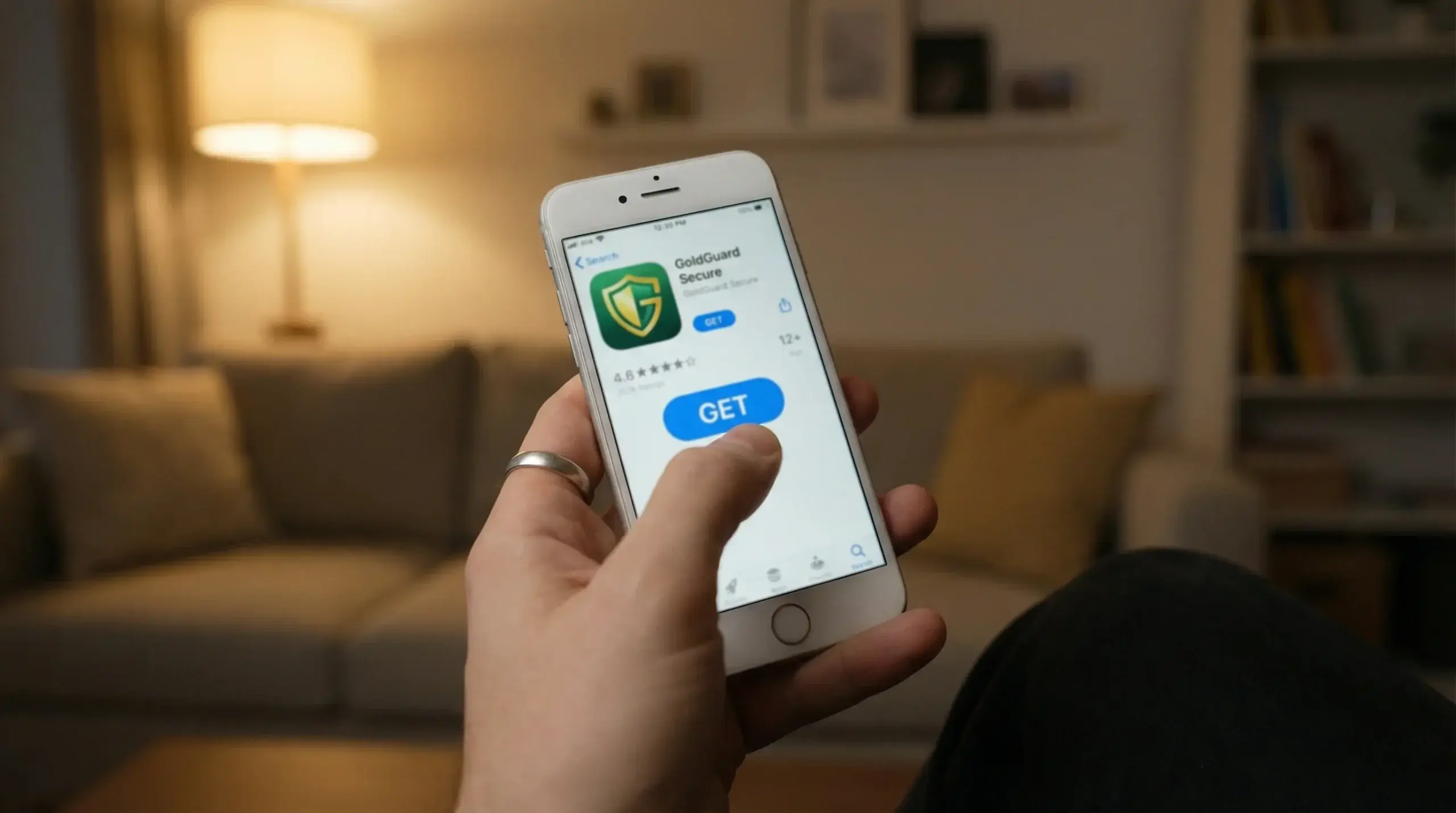
Downloading a casino app on an iPhone should be simple. Open the App Store, search, tap install, done. In practice, the process is that straightforward — but the steps around it, the account setup, the identity verification, the first deposit — are where most players either waste time or make avoidable mistakes.
Apple’s ecosystem offers a genuine advantage here. The App Store has its own review process for real-money gambling apps, which means any casino you find there has passed at least a basic technical and policy check. It is not a substitute for verifying a UKGC licence, but it does filter out the most obvious junk. You will not find unlicensed offshore casino apps on the App Store the way you might stumble onto them through a browser search.
This guide walks through the entire process: from finding the right app to completing your first deposit. It also covers the issues that trip people up — geo-restrictions, storage limits, iOS version requirements — and an alternative route for casinos that do not have a native app at all.
See the top-rated apps to download in top casino apps.
Step-by-Step: App Store Download
Open the App Store on your iPhone and search for the casino by name. This matters more than it sounds — searching for generic terms like “casino app” or “real money slots” will return dozens of results, many of which are social casino apps that use virtual currency and have nothing to do with real-money gambling. Search for the specific operator you want: the brand name followed by “casino” usually does the job.
Before you tap “Get,” check the developer name listed under the app title. Legitimate UK casino apps are published by the operating company or its parent group, not by third-party developers. If the developer name does not match the casino brand or its known parent company, do not install it. This is a basic but effective check against counterfeit apps that occasionally slip through Apple’s review process.
Once the download is complete, open the app and you will typically land on a registration screen. Most apps give you the choice to sign up directly or log in with an existing account if you already registered through the website. If you are starting fresh, you will need to provide your name, email address, date of birth, and a UK residential address. Some operators also ask for a mobile phone number for two-factor authentication.
The registration form will include a mandatory field confirming you are 18 or older and accept the terms and conditions. Read the terms — or at least skim the sections on bonuses, withdrawals, and account closure. These five minutes now can save you a support ticket later. Once registered, the app will typically prompt you to set a deposit limit before your first transaction. This is a UKGC requirement and it is genuinely worth using from the start.
Your first deposit follows immediately after registration. Select your payment method — Apple Pay is the fastest on iPhone — enter the amount, confirm, and your account is funded. The whole process from App Store search to funded account takes roughly five to ten minutes, depending on how quickly you move through the registration fields.
Setting Up Your Account and KYC
KYC — Know Your Customer — is the identity verification process that every UKGC-licensed casino must run before you can withdraw funds. Some operators trigger it at registration, others wait until your first withdrawal request, and a few apply it after your deposits reach a cumulative threshold. Regardless of timing, it is coming, so getting it done early removes a delay you will not want later.
The standard requirements are a photo of a government-issued ID (passport or driving licence), a proof of address dated within the last three months (utility bill, bank statement, or council tax letter), and sometimes a selfie for facial comparison. Upload quality matters: blurry photos or documents with cut-off corners are the most common reason for rejection and re-submission requests. Use good lighting, lay the document flat, and make sure all four edges are visible.
Processing times vary. Some operators use automated verification software that clears documents within minutes. Others rely on manual review teams, which can take anywhere from a few hours to 72 hours depending on volume. If your documents are rejected, the app should tell you why — typically an unreadable image, an expired document, or a mismatch between the name on your account and the name on your ID.
A practical tip: complete KYC immediately after registering, before you even start playing. This way, when you hit a win and want to withdraw, the process is already done. There is nothing more frustrating than waiting three days for document verification while your withdrawal sits in a pending queue.
Troubleshooting Common Download Issues
The most frequent complaint is simply not finding the app. Not every UK casino has a dedicated iOS app in the App Store. Some operators rely entirely on their mobile website, which works through Safari or Chrome without any download. If your search returns nothing, check the casino’s own website — they usually have a page explaining whether they offer a native app, a progressive web app, or a browser-only experience.
Geo-restrictions can also cause confusion. If your Apple ID is registered to a country outside the UK, certain gambling apps may not appear in your search results. The App Store serves content based on your Apple ID region, not your physical location. If you have recently moved to the UK and still use a non-UK Apple ID, you will need to change your account region in Settings or create a new Apple ID with a UK address.
iOS version incompatibility is another common roadblock. Most casino apps in 2026 require iOS 15 or later, and some of the more graphically demanding ones need iOS 16. If your iPhone is running an older version, check whether a software update is available under Settings, General, Software Update. Older devices that can no longer receive updates — anything before the iPhone 8 — may be locked out of certain apps entirely.
Storage issues are straightforward but easy to overlook. A typical casino app weighs between 100 and 250 MB at install, but the cache can grow substantially with use, particularly if the app stores game assets locally. If your iPhone is low on space, clearing unused apps or offloading data through the iPhone Storage menu in Settings can free up enough room. The app itself will usually tell you if there is insufficient storage before the download fails.
PWA as an Alternative
If a casino does not offer a native App Store download, the alternative is a Progressive Web App — essentially a shortcut to the mobile website that lives on your home screen and behaves almost like a native app. You open Safari, navigate to the casino’s website, tap the Share button, and select “Add to Home Screen.” The result is an icon that launches the site in a full-screen browser window without the Safari navigation bar.
PWAs have genuine advantages. They take up almost no storage space, update automatically because they load from the web, and offer the same game library as the desktop site. The downsides are equally real: no push notifications on iOS (Apple still restricts this for web apps in most scenarios), no biometric login unless the casino has built it into their web interface, and a slight performance gap compared to native apps, particularly noticeable in live dealer games where every millisecond of latency matters.
For players who want to try a casino before committing to a full download, or for those using older iPhones with limited storage, the PWA route is a perfectly workable solution. It is not a compromise so much as a different trade-off — less polish, same functionality.
Installed and Ready
The download itself is the easy part. The value is in what you do around it: verifying the developer, completing KYC early, setting deposit limits at registration, and understanding whether a native app or a PWA better fits your device and habits. These are small steps that take minutes but prevent the kind of friction that turns a smooth experience into a frustrating one.
Once the app is installed, your account is verified, and your first deposit is in, the mechanics are behind you. From here, the focus shifts to what actually matters — the games, the odds, and how you manage your bankroll. The technical setup is just the entry gate. What you do once you walk through it is where the real decisions begin.
Get started with iPhone casino apps on the realmoneycasinoiphone homepage.